< Back to Performa Digital Radios
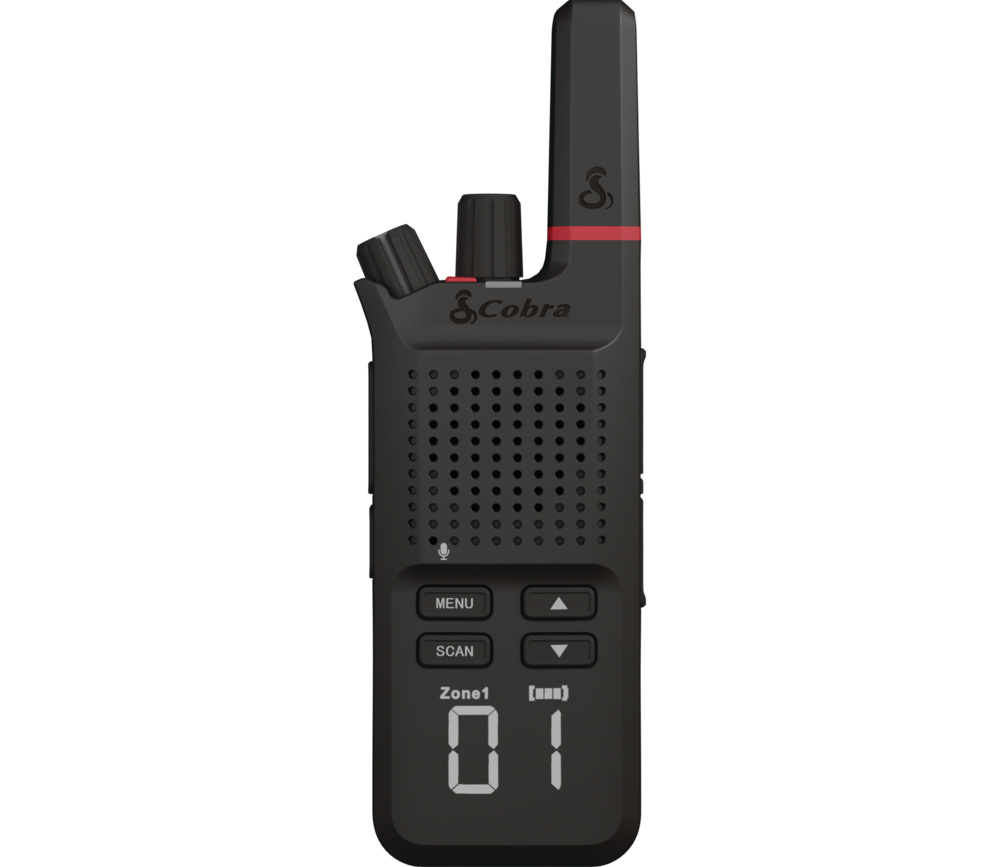 | Performa 600Congratulations on your purchase of the Performa 600 Digital Business Radio! Excellent choice. To get acquainted with it, download the manual, then visit the links below for more helpful information.Quick StartFind more information below on how to start using your radio. |
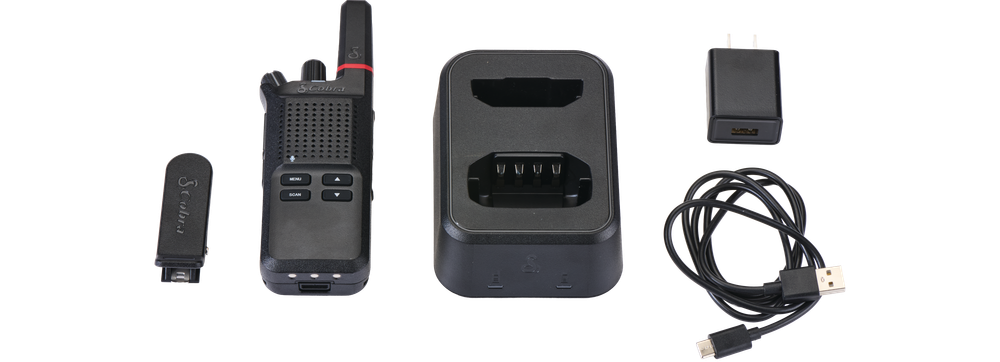 | What's IncludedPerforma 600
Accessories
Shop Accessories |
Available Packages | |
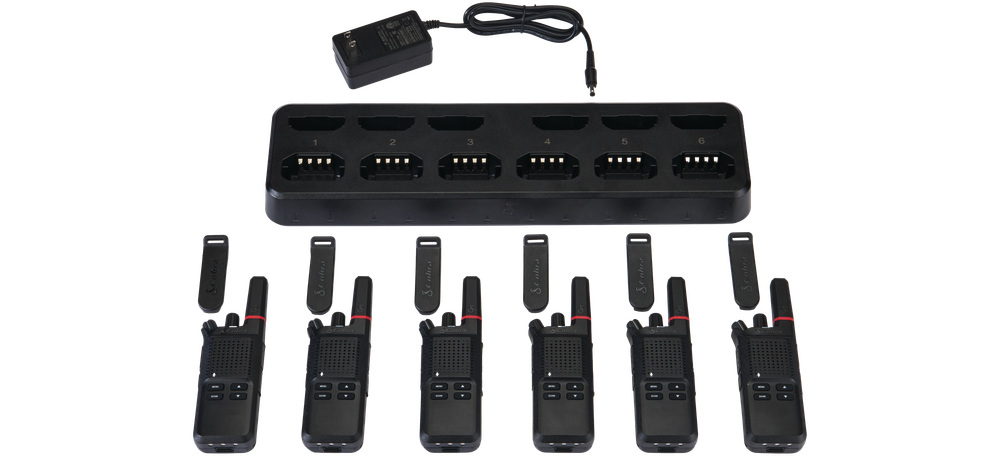 | Performa 600 6-PackThe Performa 600 is available in a 6-pack configuration. What's IncludedPerforma 600
Accessories
|
Download the Manual
Quick Start
Your administrator should have set up the radio for first time use with the Cobra Programming Software. If your radio is not properly set up, please reach out to your administrator. If you are the administrator and need assistance setting up your Performa radios, please reach out to us using the contact widget at the bottom right corner of this page, or the Submit a Ticket option at the upper right corner of this page.
These instructions can be found in the manual.
Charge the radio
- Cobra recommends charging for at least 8 hours before the first use. Use the supplied cable (or any equally compatible USB-C charging cable) to charge your Cobra Performa radio.
- You can also charge the radio directly via USB-C cable by simply removing the cover from the USB-C port and inserting a compatible power cable.
- The radios can also be charged in the dock with or without the holster. First, confirm that the battery is properly installed, and insert the radio into the dock charger. The dock charger is capable of charging spare batteries in tandem with the radios for convenience, and the LED indicators on the dock will provide you with information about charging status.
Charging Dock Light Status | |
| Radio Charging | Solid Red |
| Charge Complete | Solid Green |
| Charging Error | Flashing Red |
Power on the radio
- To power on, turn the power knob clockwise past the detent. To power off, turn the power knob counterclockwise past the detent
- Turn the power/volume knob clockwise to increase the volume and counterclockwise to decrease the
volume.
Find the channel
- To change the channel, turn the channel knob clockwise or counterclockwise or press the Up or Down button until you reach the desired channel.
Send your first message
- Press and hold the Push-to-Talk (PTT) button on the side of the radio and hold the microphone about 2 inches (5 cm) from your mouth.
- Speak in a normal voice and release the PTT button when finished, so you can listen for a response.
- You cannot receive incoming calls while pressing the PTT button. For analog channels, both radios must be programmed to the correct frequencies and privacy codes to communicate.
- For digital channels, radios must be set to the same frequency, time slot, and color code, and must have the appropriate groups/contacts set up.
- It is recommended to wait a brief time after pressing the PTT button (and after the talk permit tone, if enabled) before speaking. This practice helps avoid inadvertently cutting off the beginning of the message you are attempting to transmit.