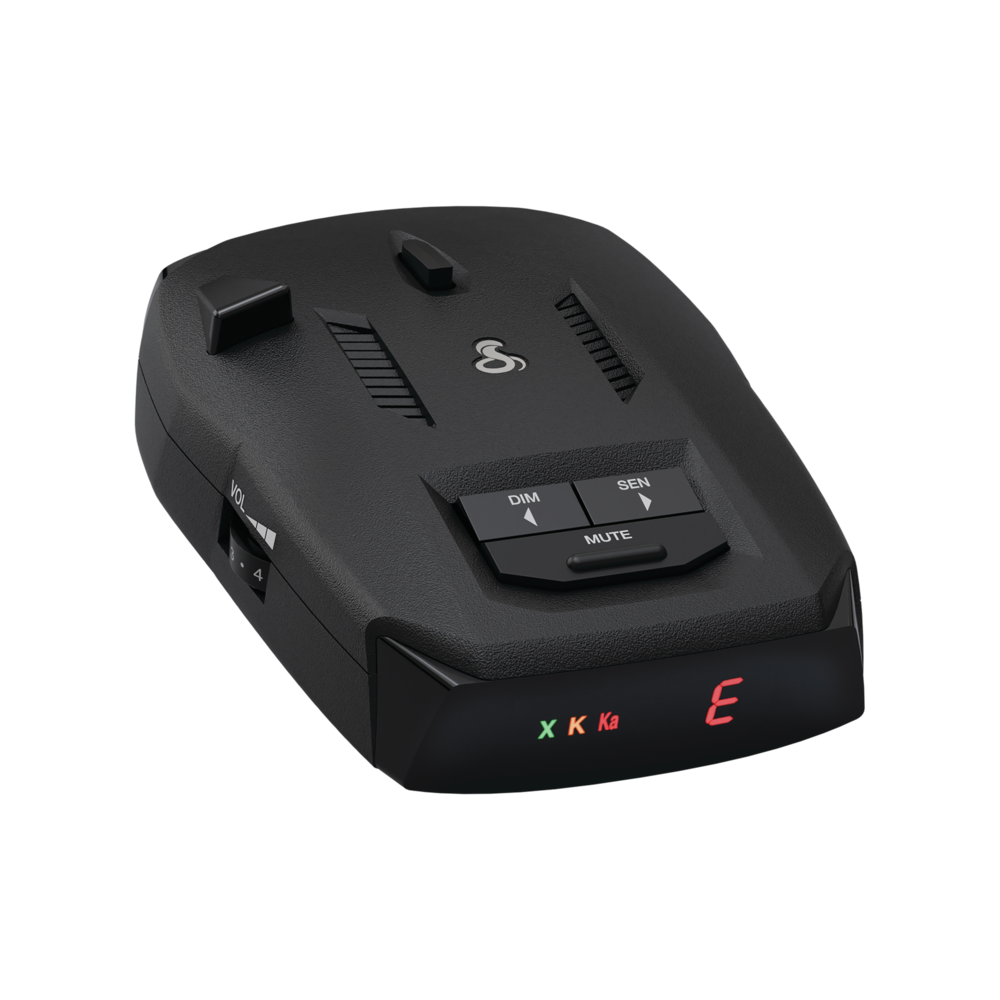
 | Cobra RAD 390Congratulations on your purchase of the RAD 390! Excellent choice. To get acquainted with it, download the Manual, then visit the links below for more helpful information.Questions & Support
|
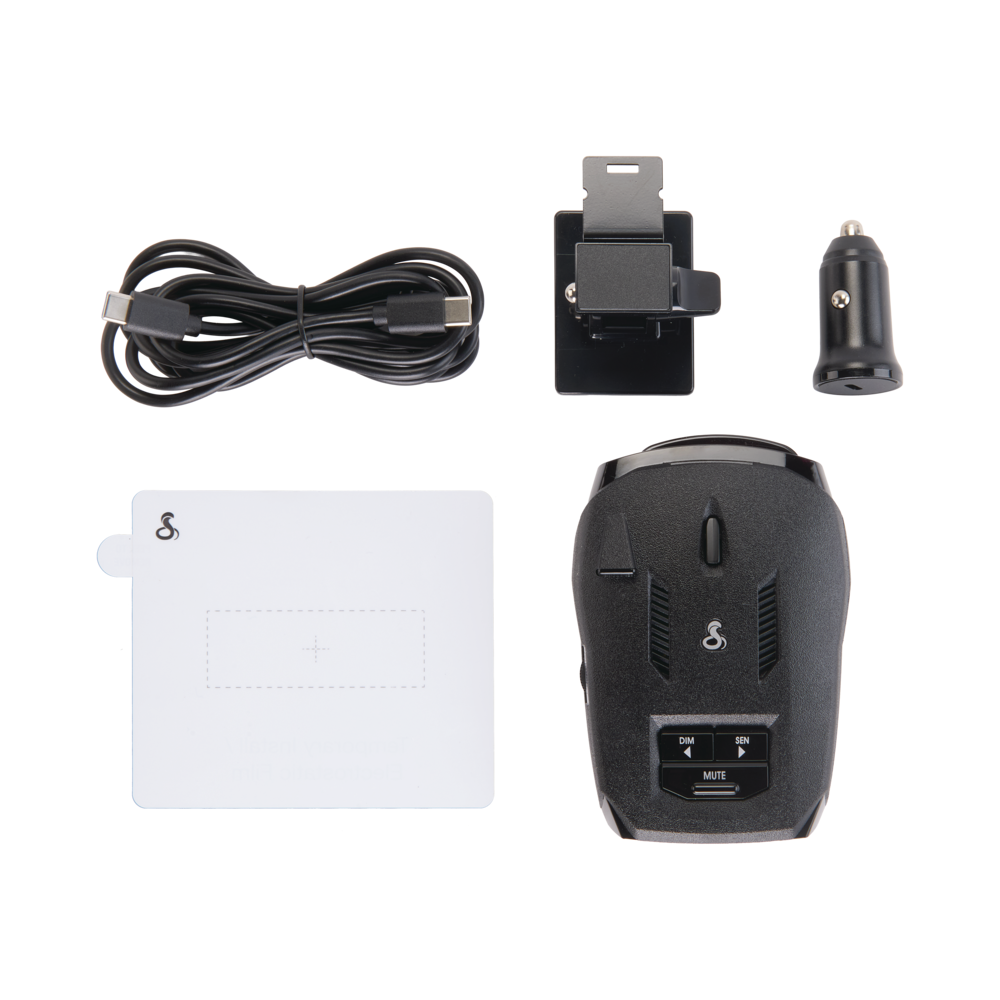 | What's IncludedRadar DetectorPower AccessoriesMounting AccessoriesAdditional Accessories (US | CA) |
Download Manual
Features of the Cobra RAD390
Your RAD390 comes with many beneficial features that allow it to alert you with information about threats and other features of your driving experience.
Radar Detection
The primary functionality of a radar detector is to detect police band radar. The RAD390 comes out of the box able to detect the following frequencies of radar and laser/LiDAR.
X-band
- (10.525 GHz ± 25 MHz)
K-band
- (24.100 GHz ± 150 MHz)
Ka-band
- (34.700 GHz ± 1300 MHz)
Laser/LiDAR
- (904nm, 33 MHz Bandwidth)
Sensitivity Modes (SEN Button)
Adjustable sensitivity ensures that your Redline will give you the right information at the touch of a button. There are two sensitivity modes, Highway and City, giving you performance that matches your drive.
Highway
- Maximum sensitivity with no filtering at all times, best for long drives on the open road.
City
- Low sensitivity and maximum filtering, good for dense urban driving.
Bright LED Display
The detector comes with a bright LED Display giving you a heads-up of what the detector is currently alerting to with molded letter displays for the band, and a segmented display for the current mode.
4 Brightness Levels
- Bright, Dim, Dimmer
- Dark (for users that want just the audio, no display)
What's Displayed by Default
The molded letter LEDs are off unless alerting, however the segmented LCD will show either "h" or "c" depending on your sensitivity mode. Please see your manual for a full list of what the segmented display may show and what it means.
- "h" for Highway Mode, maximum sensitivity without filtering
- "c" for City Mode, increased filtering for a quieter drive
Audio Features (MUTE Button, Volume Knob)
Audio Alerts are available for Radar, Laser/LiDAR.
Adjusting the Volume
- Adjust the volume up or down using the numbered knob on the left.
Auto Mute
- Auto Mute will automatically reduce the audio volume of all alerts after four seconds for as long as the signal is detected. The factory setting for Auto Mute is On.
Manual Muting
- If you'd prefer not to use the Auto Mute feature and would like to manually mute the detector, press the MUTE button on the RAD390.
Drive Smarter
While your RAD390 does not have Bluetooth that allows it to pair with the Drive Smarter app, it can still use the Drive Smarter app as a companion, allowing you to have Community Radar, Community Alerts, Defender Alerts, Posted Speed Limits (where available), and Turn-by-Turn navigation is also available to subscribers.