Coming Soon
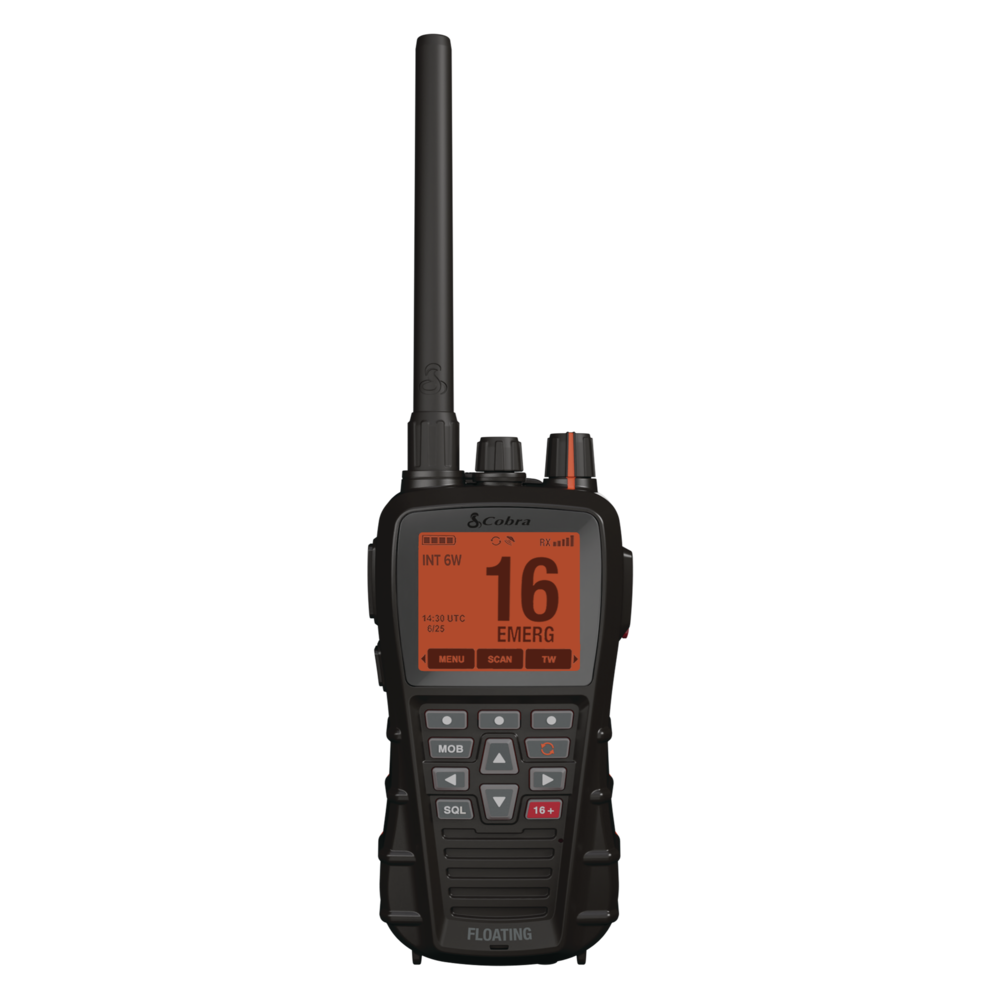 | BlueBound 650ECongratulations on your purchase of the Cobra BlueBound 650E VHF GPS Marine Radio! Excellent choice. To get acquainted with it, download the manual, then visit the links below for more helpful information.Questions & Support |
 | What's IncludedVHF Radio
Power Accessories
Additional Accessories
|
Download Manual
Ladda ner Manualen
Baixar Manual
Handbuch Herunterladen
Handleiding Downloaden
Télécharger le Manuel
Descărcați Manualul
Descarga el Manual
Scarica il Manuale
This guide will give you step-by-step instructions for getting up and running with your new radio, including going over some of its special features. See the video above for a full run-down of all the features or see below for help with transmitting your first message.
If you have questions about the radio, consult your manual at the link above, or check our Troubleshooting & Support guides.
Initial Setup and Transmitting
This guide will give you step-by-step instructions for getting up and running with your new radio, including going over some of its special features. See the video above for a full run-down of all the features or see below for help with transmitting your first message.
- Make sure that your radio is fully charged before you begin.
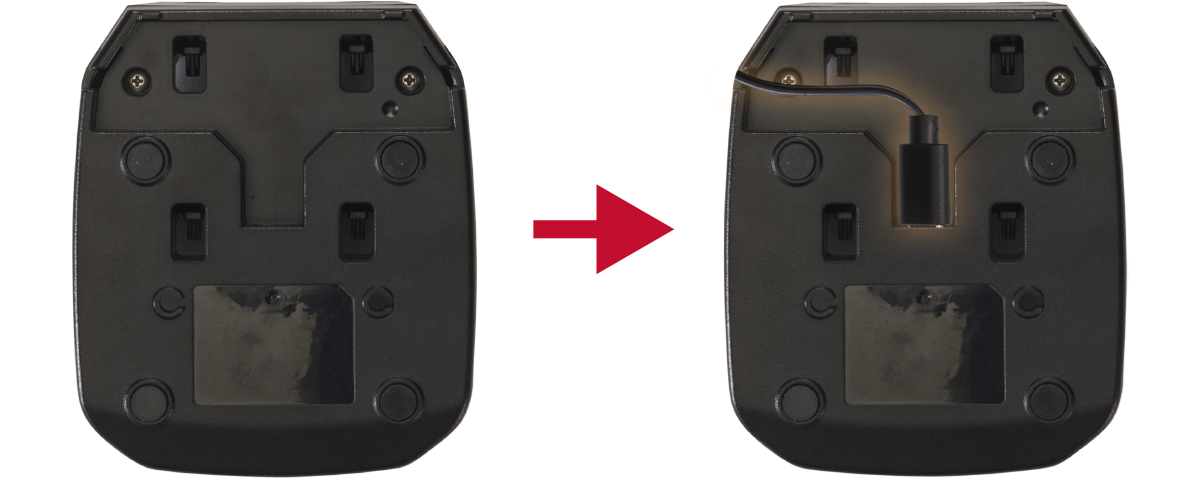
- You can charge the included battery (Lithium-ion) using the provided USB-C cable.
- Insert the USB-C cable in the bottom of the dock. If you examine the dock with the Y-Shaped aperture, you should find the USB-C port is perpendicular to the bottom of the dock as in the images below:
Press and hold the DOWN arrow & Rewind Say Again keys while powering on the radio.
Choose your corresponding country from the list of countries provided and press the SELECT softkey to sve your choice and return to the VHF Standby screen.
If your country is not listed, choose Other, or select the Default option to return the radio back to the Default international channel map.
If no action is taken by the user after 10 seconds, the radio will automatically return to VHF standby mode as default.
For additional countries not listed on the radio, please contact your local Cobra dealer or distributor for additional channel programming support.
- Once you have returned to VHF standby mode, choose your channel using the up/down arrow key on the front keypad button cluster.
- In all channel mappings, channel 16 is the distress and safety channel and should be monitored at all times but only transmitted on if you have a genuine emergency.
- Your BlueBound 650E VHF is equipped with a Tri-Watch feature, enabling you to toggle between Channel 16, and two custom channels of your choice. See the manual for further details.
- Toggle broadcast power between High (6 Watts), Medium (3 Watts), or Low (1 Watt) by pressing the H/M/L softkey repeatedly.
- Vary your wattage based on how far away the receiving radio will be. Start with the lowest wattage and move your way up to the next higher wattage until you can be heard.
- Higher wattage transmission will deplete your battery faster. Consult your manual for estimated battery life for 90/5/5 standby/transmit/receive usage.
- Use the volume knob on top to change the reception volume of the radio.
- To transmit your first message:
- Hold the radio around 2 inches (5cm) from your mouth.
- Press and hold the Push-to-Talk (PTT) Button (the largest button) on the left side of the radio.
- Keep the button held while you talk at a normal volume.
- Release the PTT button when you are done speaking.