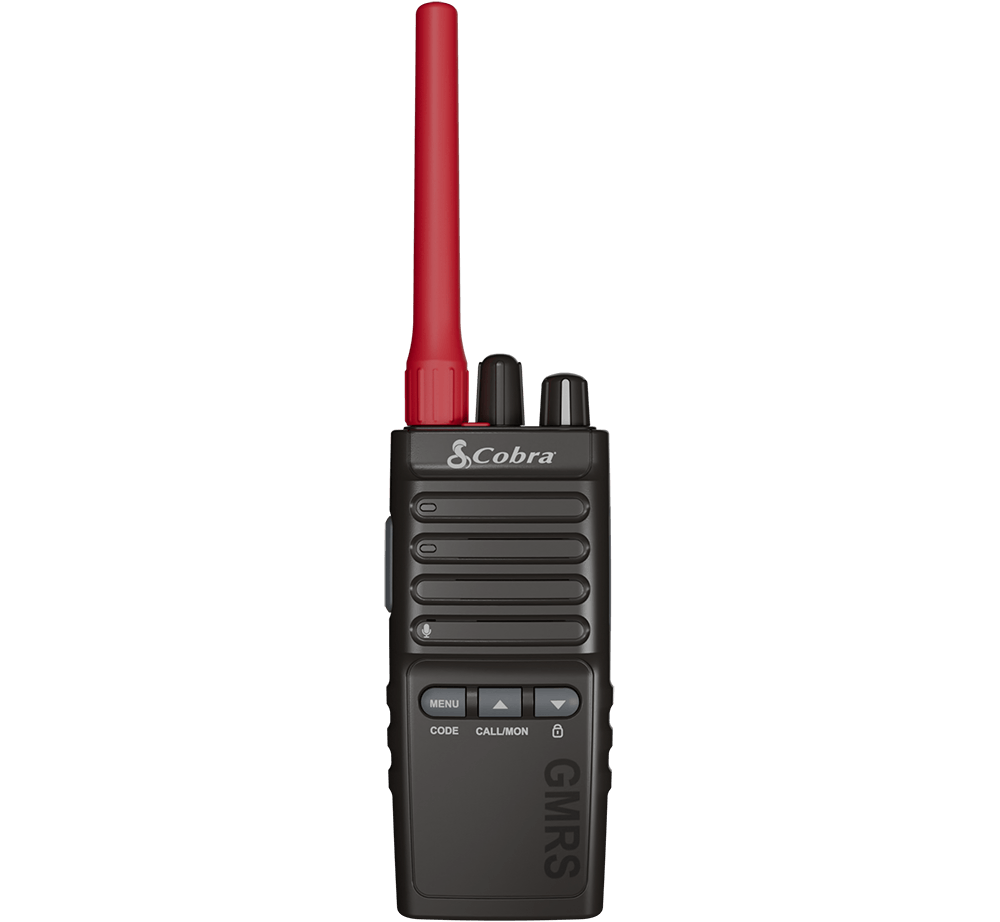
 | TrailBlazer 500Congratulations on your purchase of the Cobra TrailBlazer 500 GMRS Radio! Excellent choice. To get acquainted with it, download the manual, then visit the links below for more helpful information.Questions & Support |
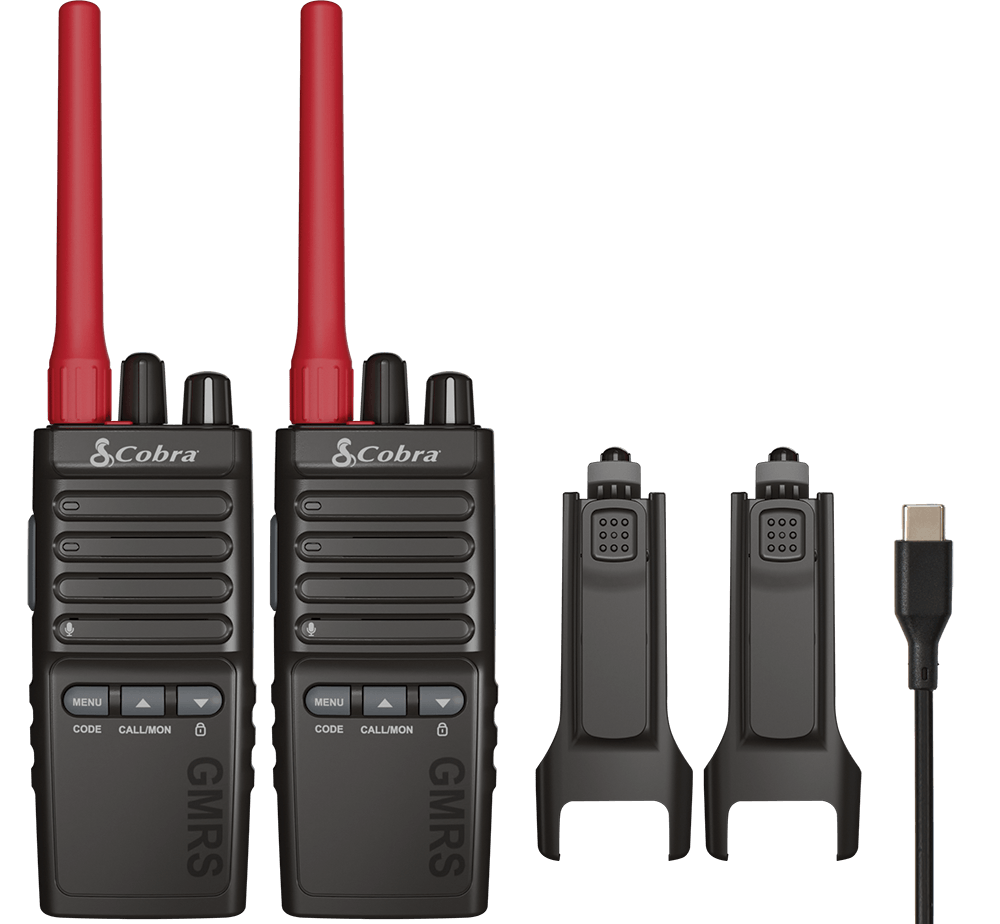 | What's IncludedGMRS Radio
Accessories
Additional Accessories for Purchase |
Download the Manual
Setting up your TrailBlazer 500 for First Time Use
Once your radio is unpackaged, follow the below guide for setting up your radio to make your first transmission.
STEP 1
Attach the Antenna
Before you begin transmitting, you need to attach the antenna. It is important that you do not operate the radio with a missing or damaged antenna, as it puts you in danger of being shocked, or damaging the radio.
STEP 2
Charge the Radio
A Lithium-ion battery is pre-installed in the radio. It is recommended that you charge the radio prior to your first use.
- Plug the USB-C cable into the jack on the side, beneath the rubberized flap.
- Plug the other end of the USB-C cable into a power brick.
- Any wattage should suffice, but for best results use at least 1 Amp.
- A red LED on the front of the radio will indicate that it is charging.
- A green LED will indicate that charging is complete.
NOTE
Cobra recommends your radio is turned off while being charged.
Please charge new batteries fully before using for the first time.
STEP 3
Turn on the Radio
The right-most knob with the white stripe is both the power ON/OFF knob and the volume knob. Simply turn this knob clockwise to turn on the radio and increase the volume.
STEP 4
Program the Radio
The TrailBlazer 500 is ready to go out of the box, with all GMRS channels available for immediate use. By default, the radio has the following pre-configured banks. To change banks, press the channel knob down in towards the radio.
Privacy codes and repeater tones can be programmed on the radio directly, but if you want to customize your channel banks, device settings, or user controls you can also use the Cobra Programming Software.
By default, the radio has the following pre-configured banks:
| Bank 1 | 22 GMRS/FRS Channels + 8 GMRS repeater channels. |
| Bank 2 | 60 GMRS/FRS Channels, compatible with the Cobra RX series, FRS radios, and Midland 50 channel FRS and GMRS radios.
|
| Bank 3 | 22 GMRS/FRS channels with preset privacy codes, compatible with the Cobra PX series FRS radios. |
| Bank 4 | Weather 10 NOAA Channels (WX) |
STEP 5
Sending Your First Message
- Turn on the radio.
- Set all radios to the same channel, using the channel knob on top of the radio in the middle.
- Press and hold the Push-To-Talk (PTT) button on the side of the radio with the microphone about 2 inches (5 cm) from your mouth, then speak your message at a conversational level. Release the PTT button when finished to make room for a response.